
How electronic shelf labels work with eslana
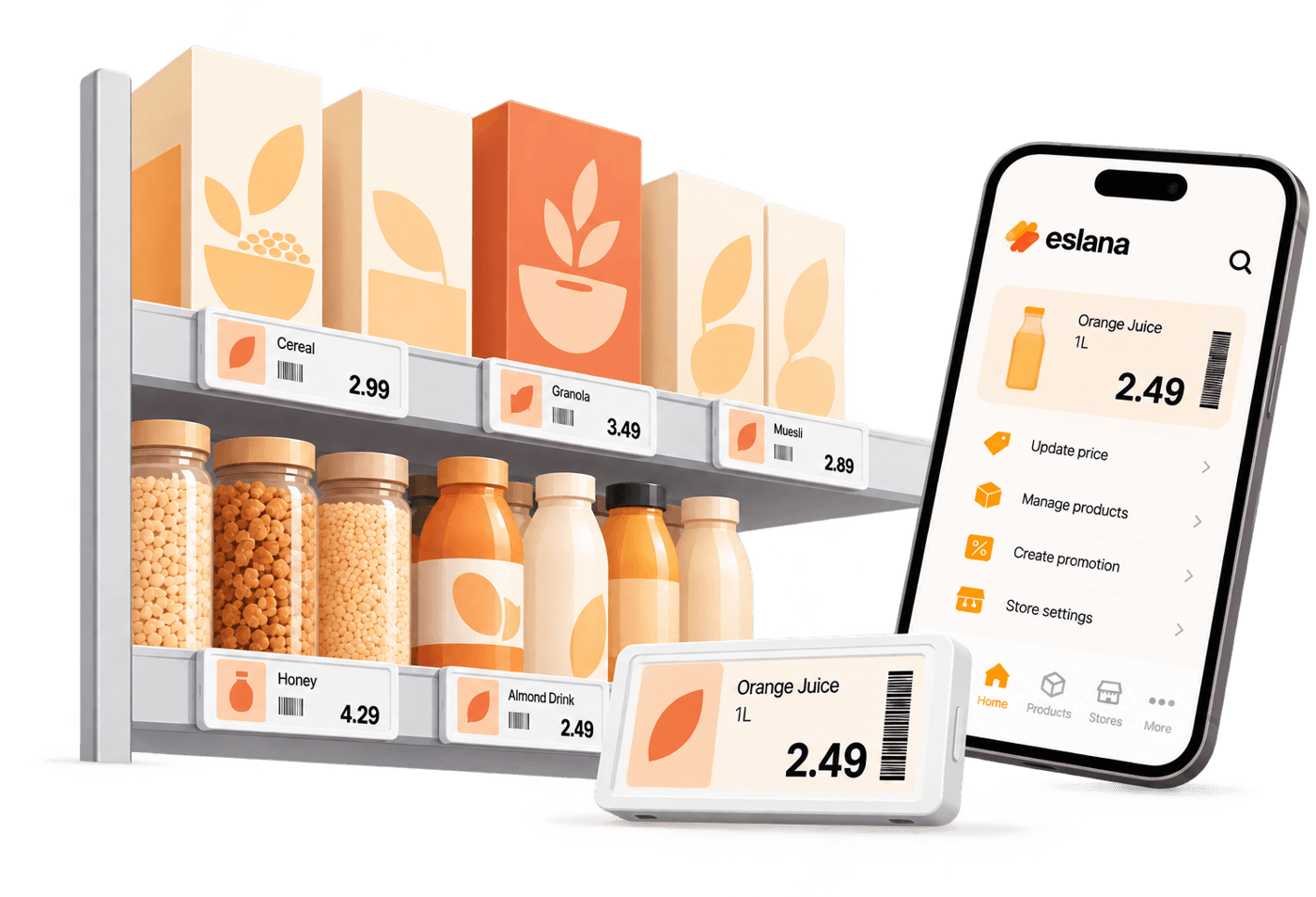
The system
What makes up an eslana setup
Four parts work together. Your product data tells the app the price. The app sends it through the access point to the label on the shelf.
 POS or fileYour prices
 eslana appLinks labels to products
 Access pointSends updates wirelessly
 Shelf labelsShow the new price

Electronic shelf labels
Digital price labels that sit on your shelf edge and show the price, product name and promotions.

Access point
A small wireless unit that sends updates from the app to every label in your store.

The eslana app
Where you link labels to products, push price changes and check label status.

Your product data
Your POS system, or a CSV or Excel file with your products and prices.
Step by step
Your setup, step by step
Step 01
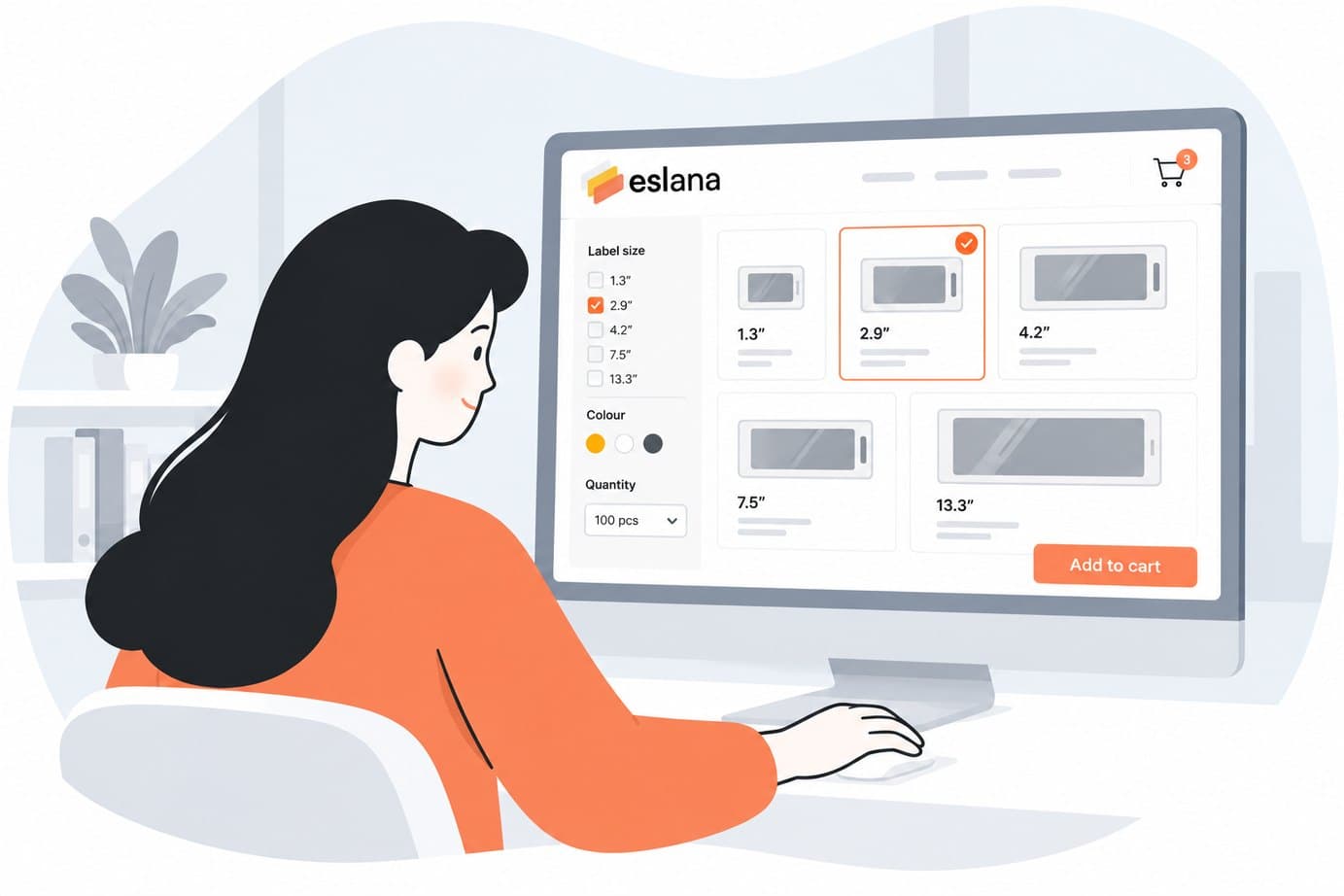
Choose your equipment
- Match label size to shelf depth and product type
- Plan access point coverage for your sales floor
- Not sure? Use the setup builder or ask us
Step 02
Order online
- Tracked shipping to Cyprus, Poland, Romania and the UK
- No serial numbers to type in

Step 03
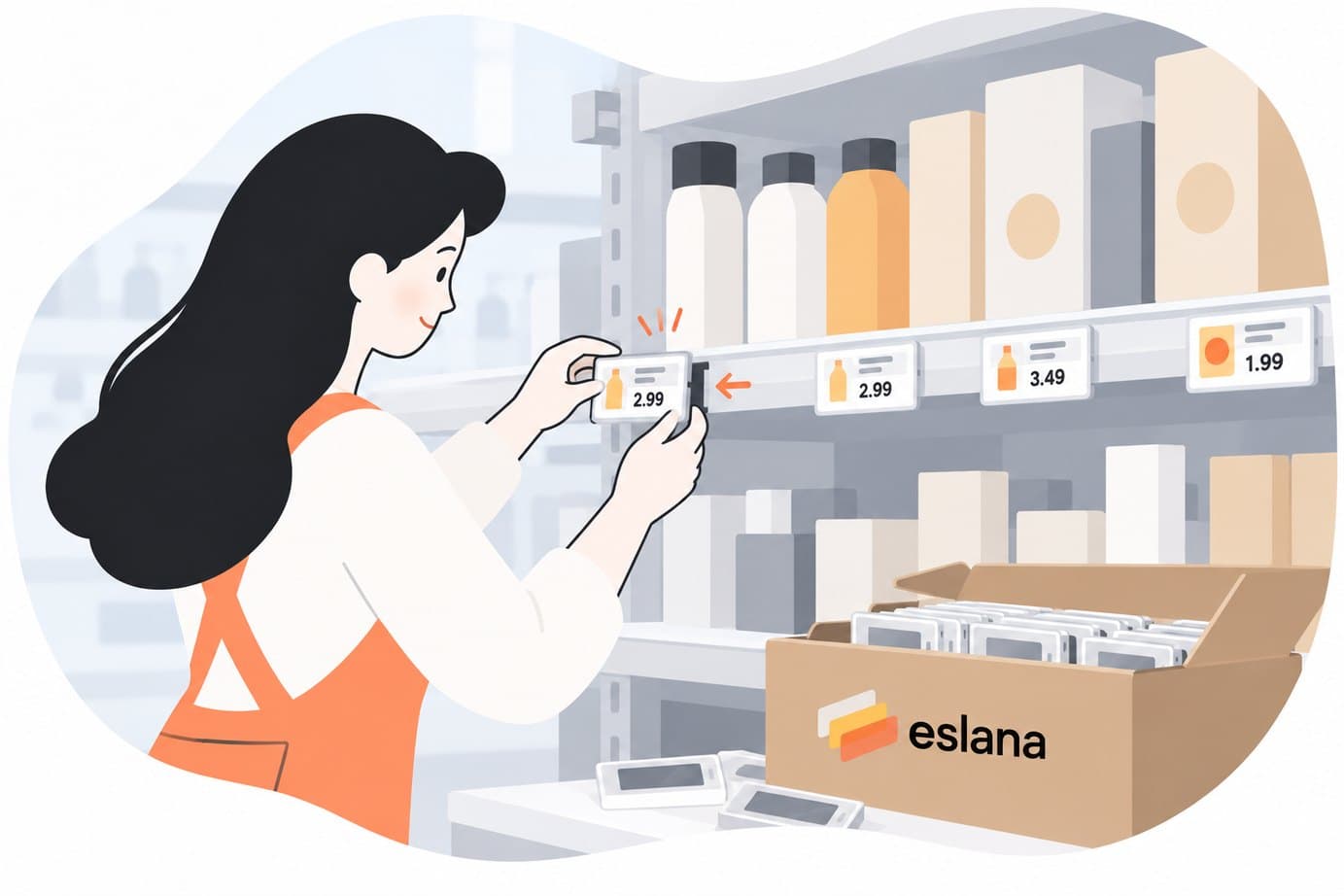
Install in store
- Step-by-step guides in the help centre
- Clear instructions for each mount type
Step 04
Connect your product data
- Keep using the file you already have
- Prices on the shelf match the till
Step 05
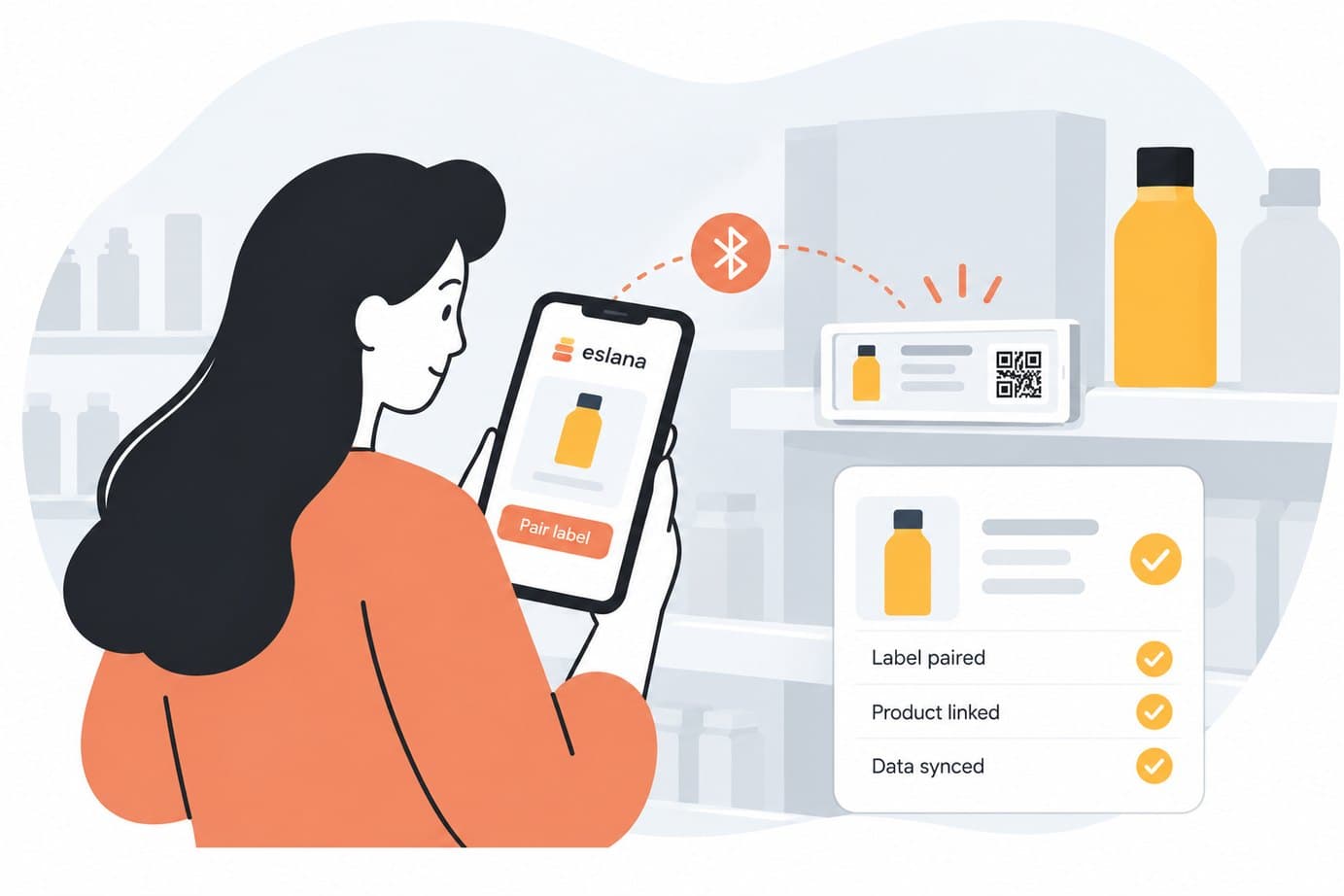
Manage with eslana
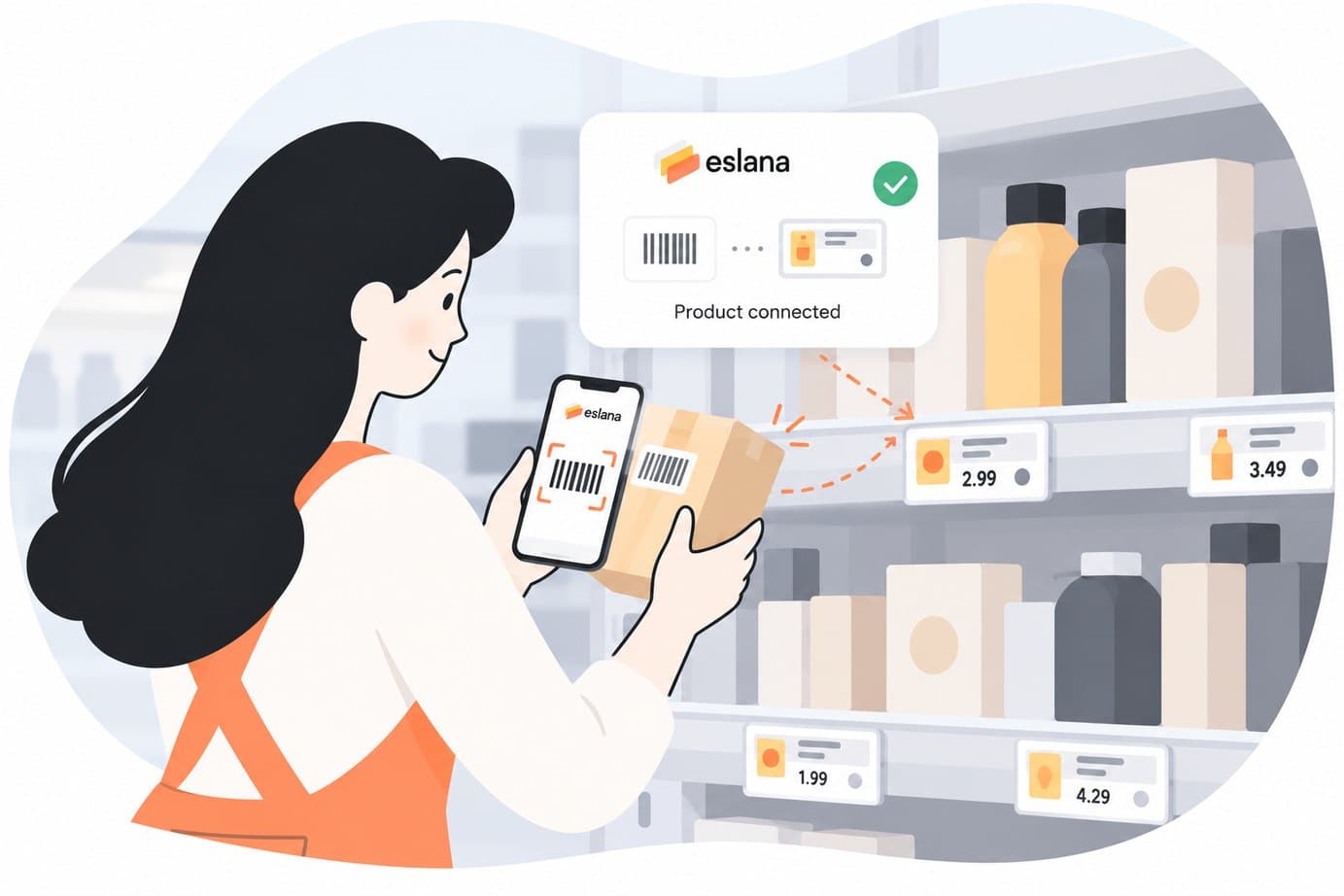
- Binding a label takes a scan
- Send promotions to many labels at once
Checklist
What you need before you start
| Item | What it does | Where to get it |
|---|---|---|
| Electronic shelf labels | What it does:Show prices and product information on the shelf | Where to get it:eslana shop |
| Access point | What it does:Sends updates from the app to your labels | Where to get it:eslana shop |
| Shelf strips and holders | What it does:Hold labels on shelves, pegs and stands | Where to get it:eslana shop |
| eslana app subscription | What it does:Manages labels, products and price changes | Where to get it:App Store or Google Play |
| Product data | What it does:Supplies prices from your POS or a CSV or Excel file | Where to get it:Your POS or your own file |
FAQ
Setup questions
Do I need an IT team to set up eslana?
No. The setup guides walk you through fitting the strips, attaching labels and connecting the access point. Our support team can help if you get stuck.
How long does installation take?
It depends on how many labels you are fitting. Strips and holders clip onto standard shelf edges, and the access point only needs power and a network connection. We can help you plan the installation before your order ships.
How far can labels be from the access point?
A single access point typically covers an indoor radius of about 30 metres. Larger or divided sales floors may need more than one, and we can help you plan coverage.
Which POS systems can I connect?
eslana connects to a range of supported POS systems. Tell us which one you use and we will confirm. You can always start with a CSV or Excel export instead.
What file format does my product data need?
A CSV or Excel file with at least a product code and a price. Extra columns are ignored, and you map the columns once per store.
Ready to plan your setup?
Tell us about your store and we will help you pick the right labels and accessories.