Blade
Blade series electronic shelf labels.
Buying guide
How to choose electronic shelf labels
The right label depends on your shelves, your products and where the label sits in the store. Start with these three questions.
Read the full ESL buying guide- 1
Pick the right size
Smaller labels suit narrow shelf edges and small products. Larger labels give room for promotions, unit prices and product details.
- 2
Check the environment
Use freezer models for frozen food and splash-resistant models where shelves get wet or washed down.
- 3
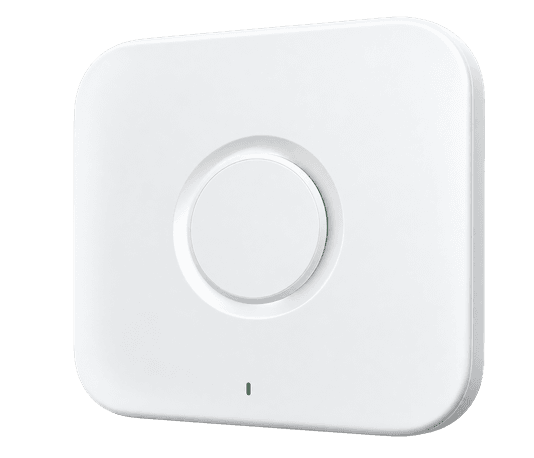
Plan your access points
Access points send updates to your labels. Larger stores or stores with many walls may need more than one.
FAQ
Electronic shelf label questions
Do the labels come ready to use?
Yes. Every label is registered to your account before it ships. Unbox, power on and bind it to a product with a scan.
Which label size do I need?
Match the label to your shelf edge and what you need to show. 1.3 to 1.8 inch labels suit most shelf edges; choose a larger size when you want room for promotions and unit prices.
Do I need an access point?
Yes. The access point sends updates from the app to your labels. One typically covers an indoor radius of about 30 metres; larger stores may need more.
What warranty do the labels have?
Every label has a 1-year warranty. Dead-on-arrival replacements are shipped the same day, with no return required first.