Guides
Connecting your POS to electronic shelf labels
How a POS connection keeps shelf prices in step with the till, and what to do if you are not ready to connect yet.
The eslana team· Updated · 6 min read
Why connect your POS
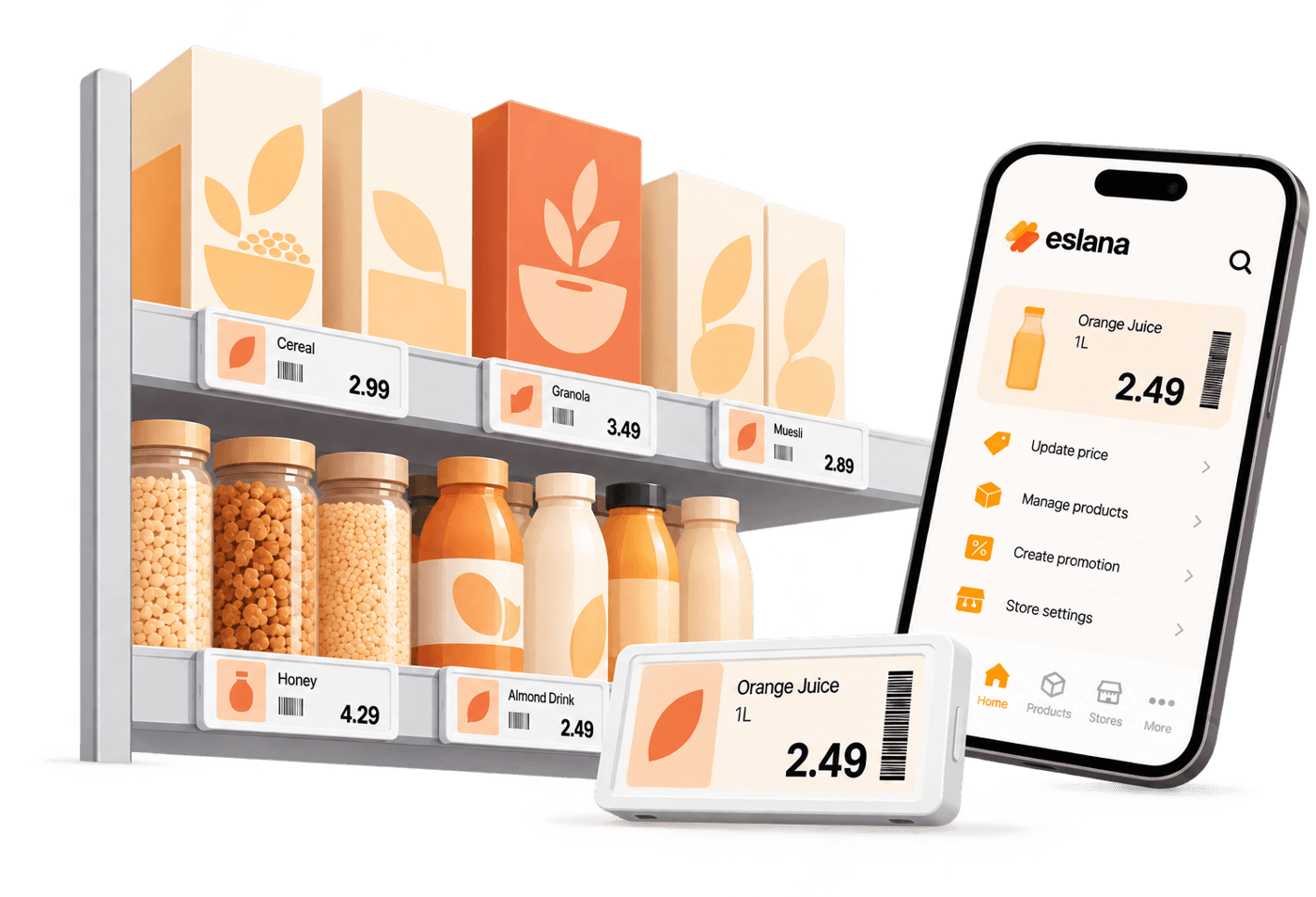
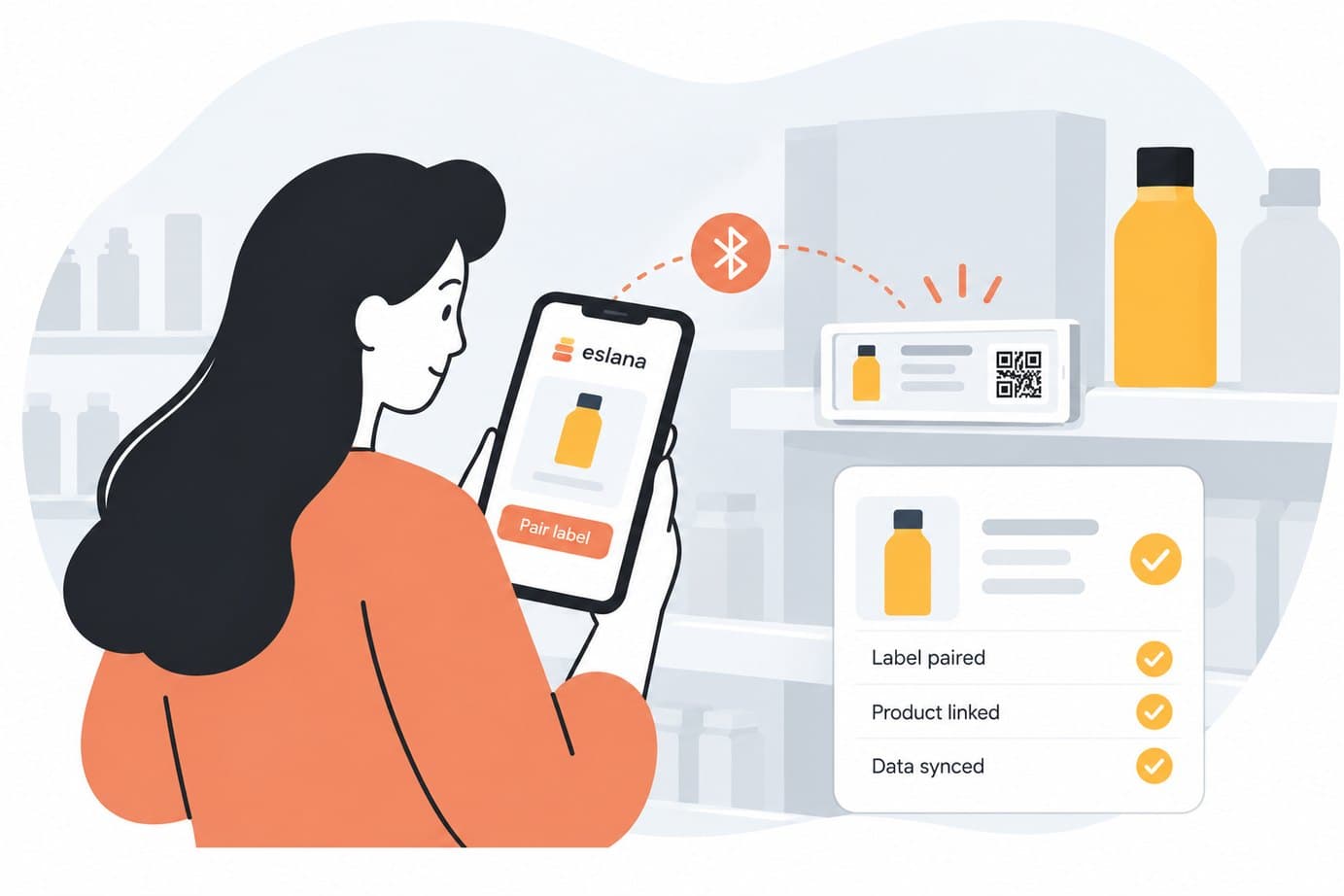
When the app reads prices straight from your POS, a price you change at the till is the price your customer sees on the shelf, with no second system to update.
Starting with a file instead
You do not need a POS connection to start. Export a CSV or Excel file with your product codes and prices, upload it in the app and connect your POS later.
Talk to us about your POSThe eslana team
Retail technology specialists at eslana